
A KDP listing autofill extension should transfer approved metadata into the dashboard with preview-before-apply, while leaving review and final submission under the publisher’s control.
GUIDES · AMAZON KDP
KDP Listing Autofill Chrome Extension Guide
A KDP listing autofill extension should transfer approved metadata into the dashboard with preview-before-apply, while leaving review and final submission under the publisher’s control. This page explains the decision, production steps, risks, and final review required for a KDP-ready edition.

Product proof
See it in BookWizard
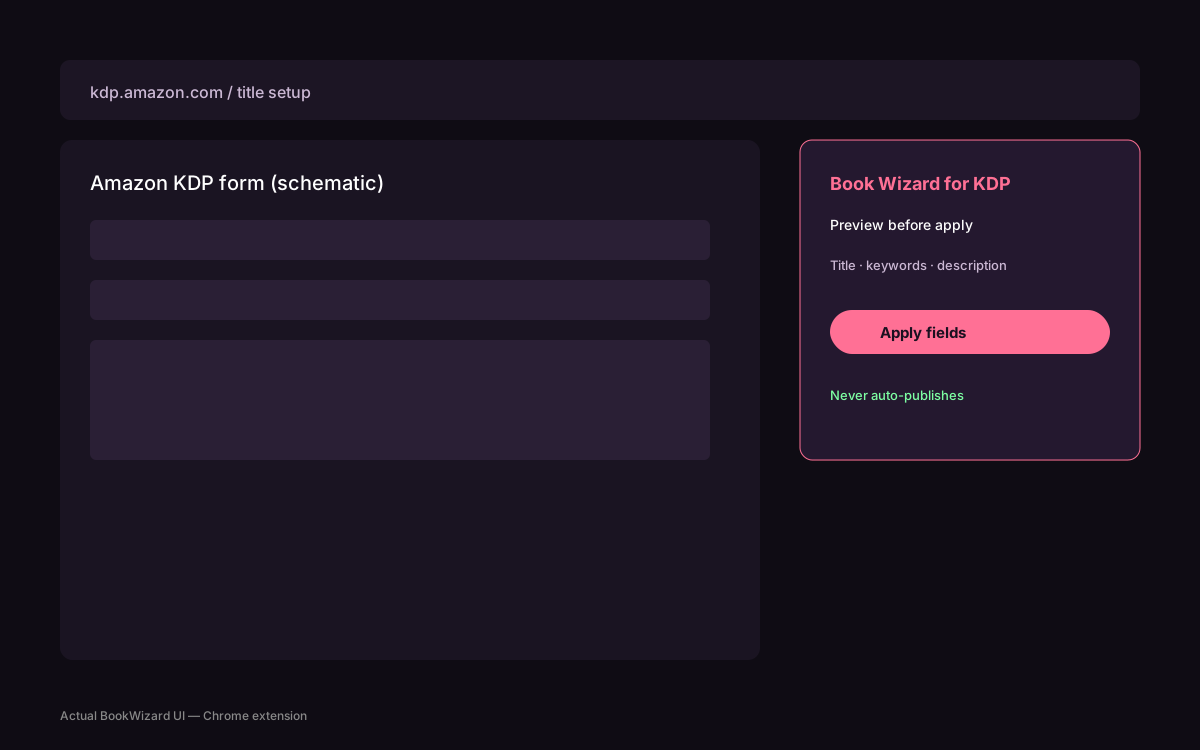
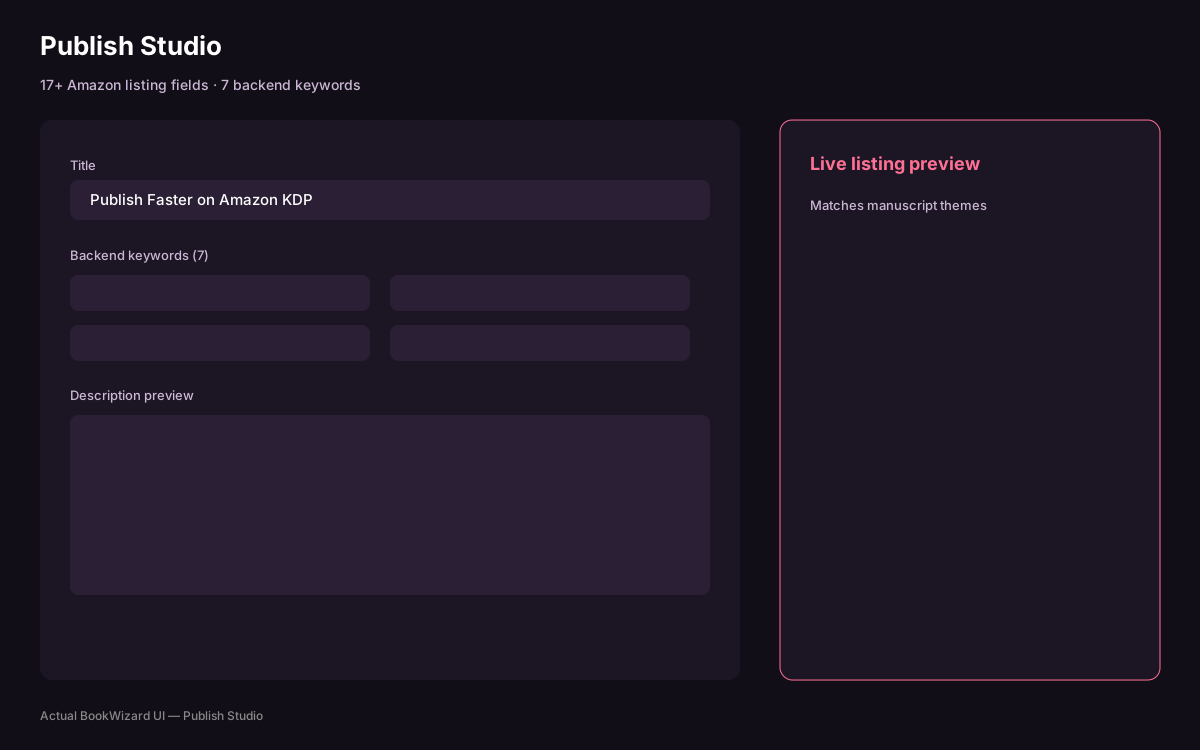
The direct KDP answer
A KDP listing autofill extension should transfer approved metadata into the dashboard with preview-before-apply, while leaving review and final submission under the publisher’s control. The decision should be made from the final book specifications rather than a generic web template.
The intended reader or decision context is specific: finalize title, subtitle, contributors, description, keywords, categories, rights, and disclosure answers before autofill. That scope keeps the project aligned with the book readers will actually receive.
Inputs to settle first
Before production, finalize title, subtitle, contributors, description, keywords, categories, rights, and disclosure answers before autofill. Record these choices in the project brief so drafting, design, and metadata use the same assumptions.
This is especially important for KDP because a late edition change can affect pagination, cover dimensions, identifiers, listing fields, or distribution choices.
A practical KDP Listing Autofill Chrome Extension Guide workflow
The operational approach is to open the correct title, preview the proposed mappings, apply selected values, and inspect every field. Work from one approved source instead of editing disconnected exports.
Use explicit approval points for structure, manuscript, visual assets, edition settings, and metadata. That keeps speed from turning into version confusion.
Mistakes and final checks
A key risk is this: silent form automation can place stale data in the wrong edition or hide a changed Amazon field. Correct the source decision rather than patching only the final file.
For the final check, compare the dashboard against the saved listing pack before you submit manually. KDP Previewer and the current Amazon help pages remain the authority for the submission surface.
How BookWizard supports this workflow
BookWizard connects KDP Listing Autofill Chrome Extension Guide to the rest of KDP production: Autobook supports structured drafting, the print editor handles trim-aware pages, Cover Studio builds the wrap, and Export Studio packages PDF, EPUB, manifest.json, and checklist.md. Publish Studio prepares listing fields, while the Chrome extension uses preview-before-apply so you remain in control. Studio is $20/mo with 1M AI tokens, and a typical ~50-page pack can take about 45 minutes. BookWizard does not auto-publish and does not promise royalties.
FAQ
Common questions
Last reviewed: 2026-07-29