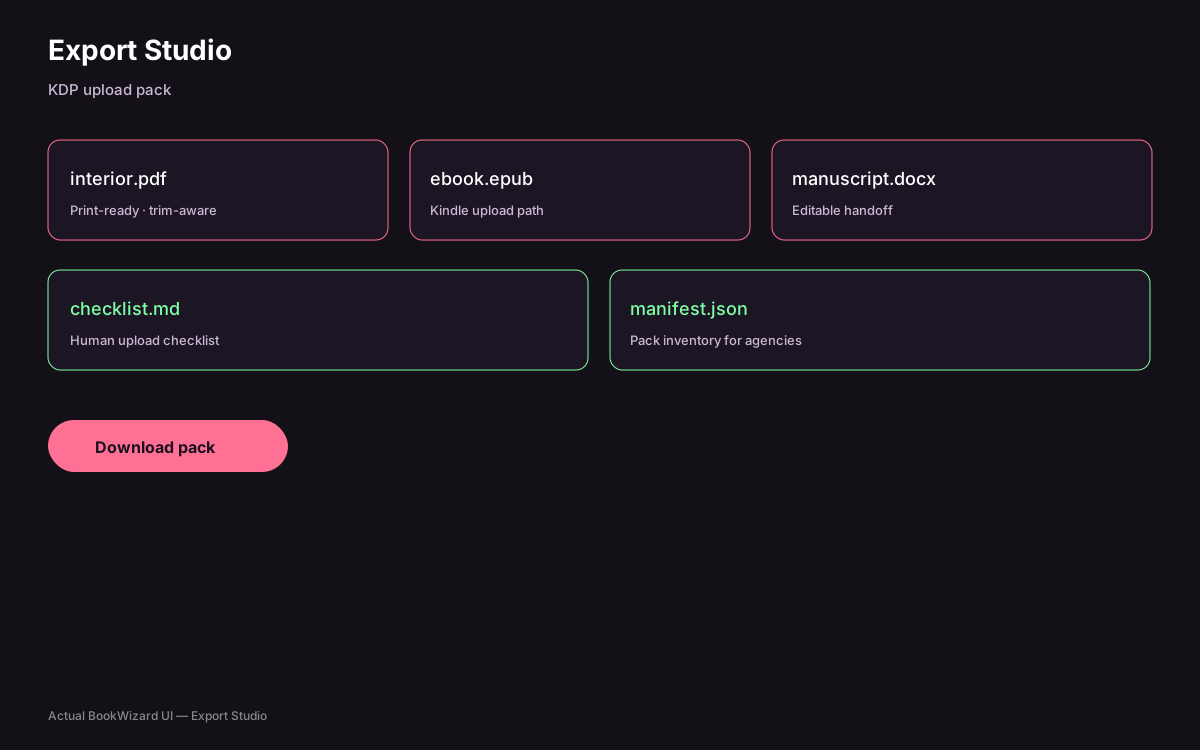
You edit in a print-aware manuscript workspace; Export Studio then produces interior PDF for paperback plus EPUB/DOCX paths for ebook workflows from the same project.
Tool · Print editor
Trim-aware KDP print editor for interiors that survive upload
Print rejection often starts in the editor. Use a trim-aware workspace before you fight Amazon’s previewer.
At a glance
Citable facts
Editor
Trim-aware
QA
Fix-manifest
Export
Interior PDF
Plan
$20/mo
Product proof
See it in BookWizard
Why generic editors break KDP interiors
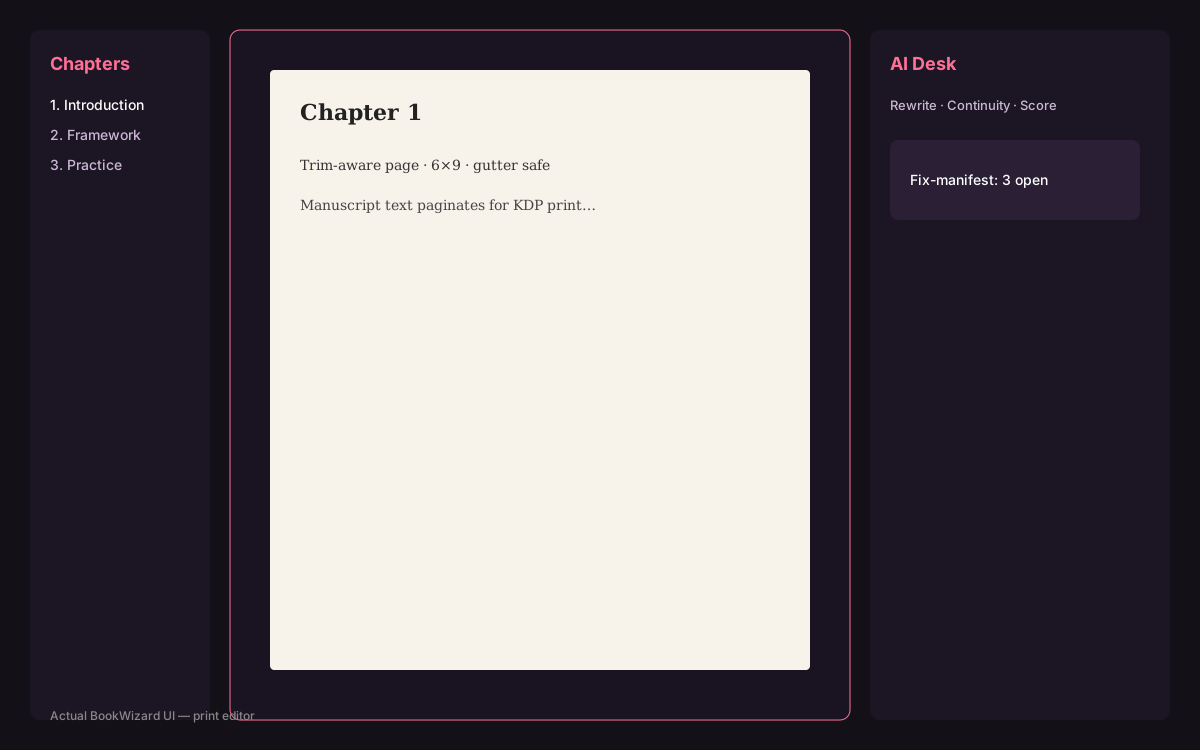
Letter or A4 layouts ignore gutter depth and trim. Text vanishes into the spine or floats with illegal margins. A trim-aware editor shows the page the printer will cut.
BookWizard’s print editor is built for KDP page geometry so Export Studio can emit a fixed-layout interior PDF that matches your project trim.
AI Desk inside the editor
Rewrite, continuity checks, and scoring helpers live next to the manuscript so you fix issues in context instead of exporting, pasting into another AI, and re-importing chaos.
Pair the editor with fix-manifest findings (FM-* codes) to batch address structural problems before cover spine math locks to page count.
How BookWizard helps with print-ready KDP interiors
BookWizard is a KDP production studio — not a generic chat window. Autobook, print editor, Cover Studio, Export Studio, Publish Studio, Chrome extension run in one workspace so print-ready KDP interiors becomes an upload-ready pack instead of a pile of half-finished files.
- Trim-aware interiors and spine-accurate wrap covers
- Export pack with PDF/EPUB, checklist.md, and manifest.json
- Publish Studio listing fields + Chrome extension preview-before-apply
FAQ
Common questions
Last reviewed: 2026-07-29