
Common KDP trims including popular sizes like 6×9 — pick the trim that matches your genre norms and confirm on Amazon’s current trim list.
Tool · Pagination
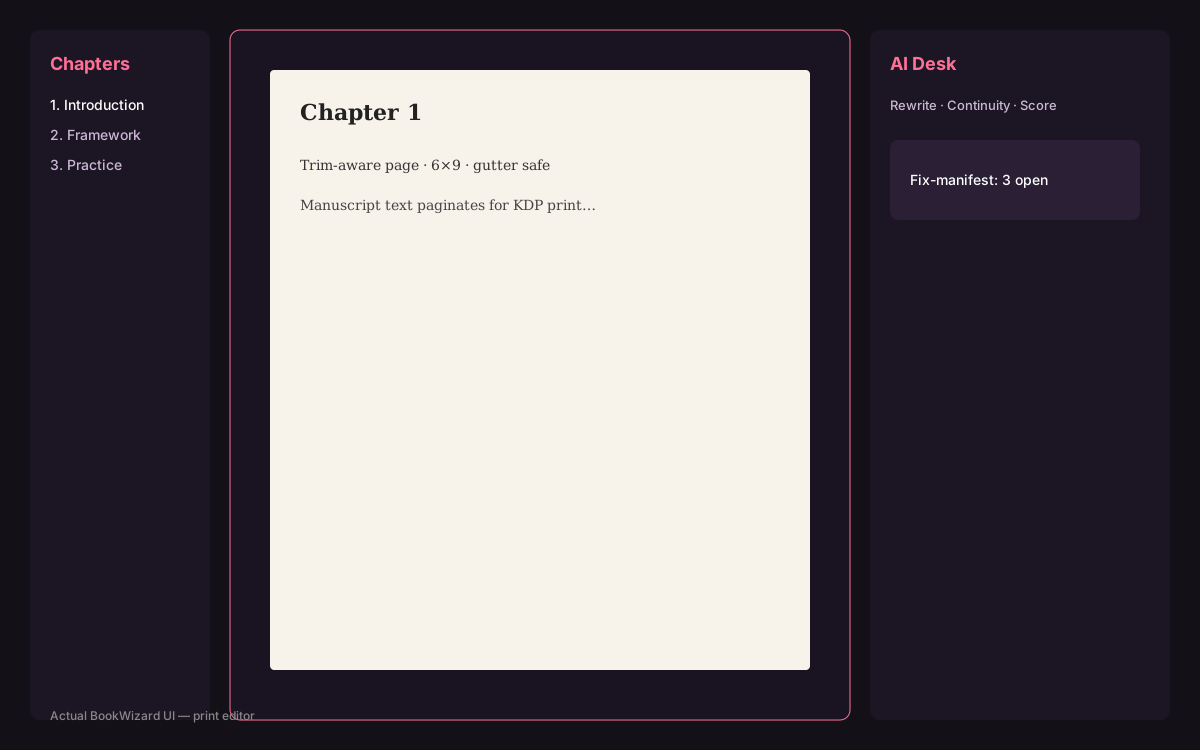
Trim-aware pagination: pages that match your KDP trim
If pagination is fake, spine math is fake. Start from trim-aware pages.

Product proof
See it in BookWizard
Pagination is a publishing constraint
Readers buy a physical object. Trim, margins, and type size change how many words fit on a page. BookWizard’s editor keeps that constraint visible while you write and fix.
Changing trim after drafting is possible but ripples into cover wrap and sometimes listing page-count expectations.
Connected to covers and exports
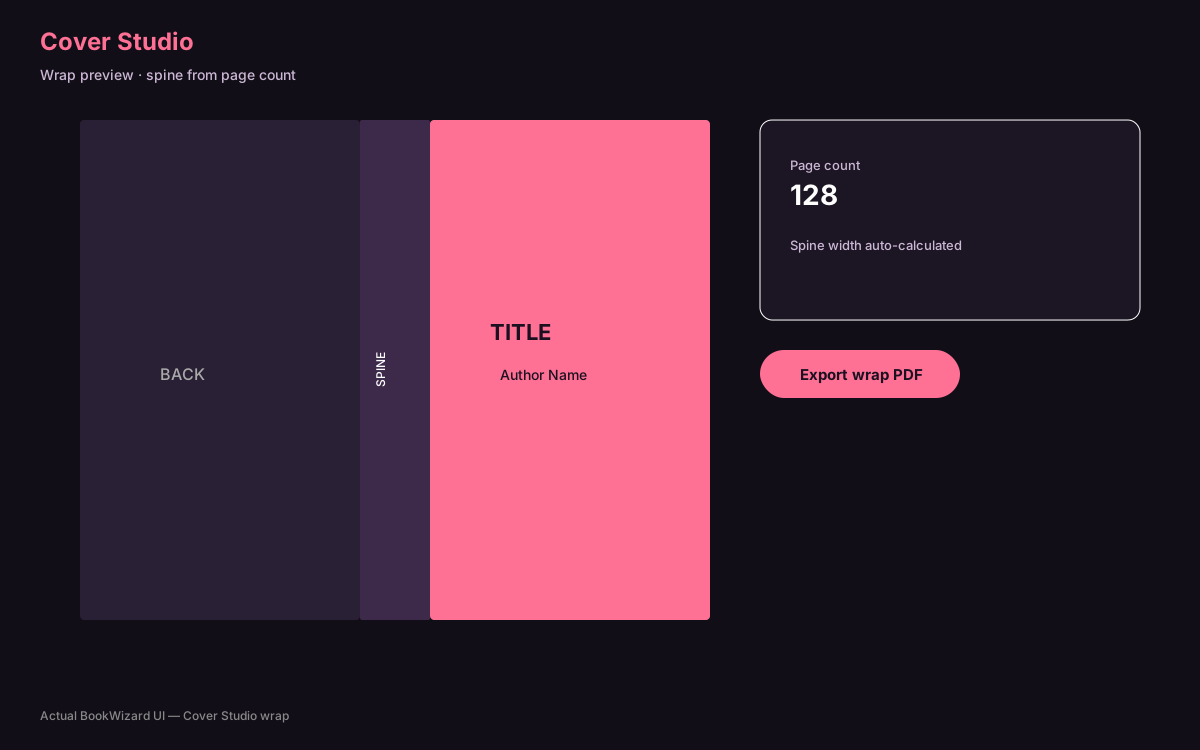
Cover Studio and Export Studio consume the paginated project. That coupling is the point of a studio versus disconnected tools.
How BookWizard helps with trim-aware KDP pagination
BookWizard is a KDP production studio — not a generic chat window. Autobook, print editor, Cover Studio, Export Studio, Publish Studio, Chrome extension run in one workspace so trim-aware KDP pagination becomes an upload-ready pack instead of a pile of half-finished files.
- Trim-aware interiors and spine-accurate wrap covers
- Export pack with PDF/EPUB, checklist.md, and manifest.json
- Publish Studio listing fields + Chrome extension preview-before-apply
FAQ
Common questions
Last reviewed: 2026-07-29